
Portfolio & case studies
Every project starts with a gap between what people need to know and how they’re currently learning it. I design training that closes that gap with clear structure, real world application, and measurable results.
Slice Realty:
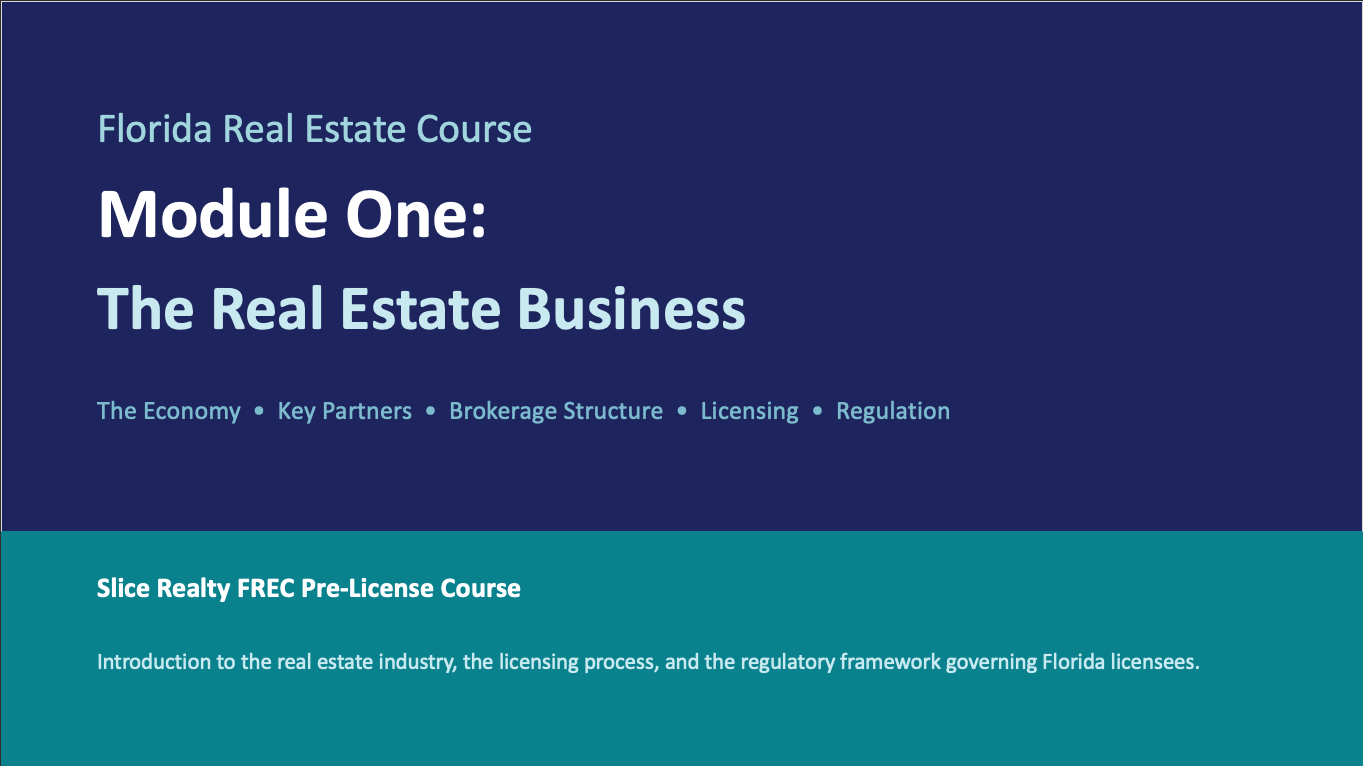
A Complete FREC Pre-licensing Curriculum from the Ground Up
11 modules: designed & delivered in 14 days
The challenge
No formal training existed. Aspiring agents were learning on the job, picking up FREC-required knowledge informally. The company needed a structured, self-paced curriculum before agents could sit for the licensing exam.
The approach
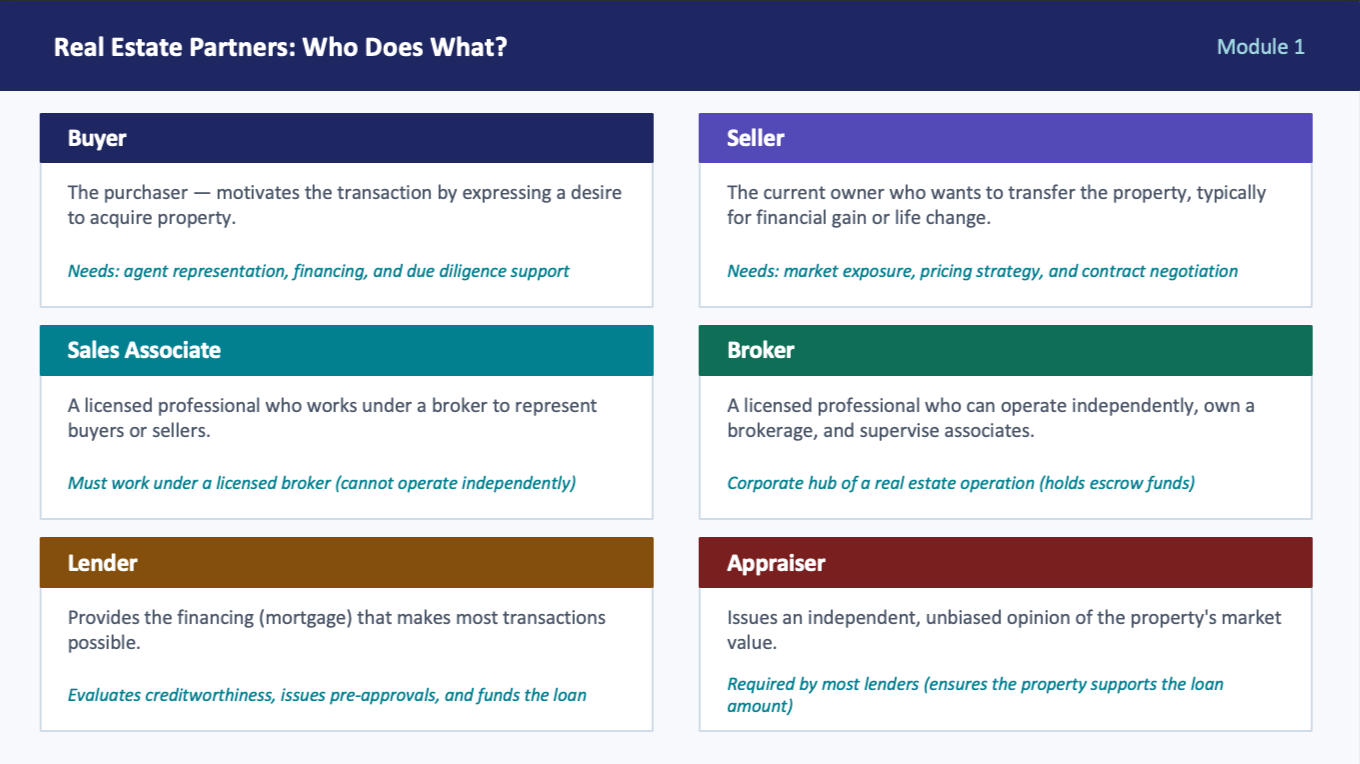
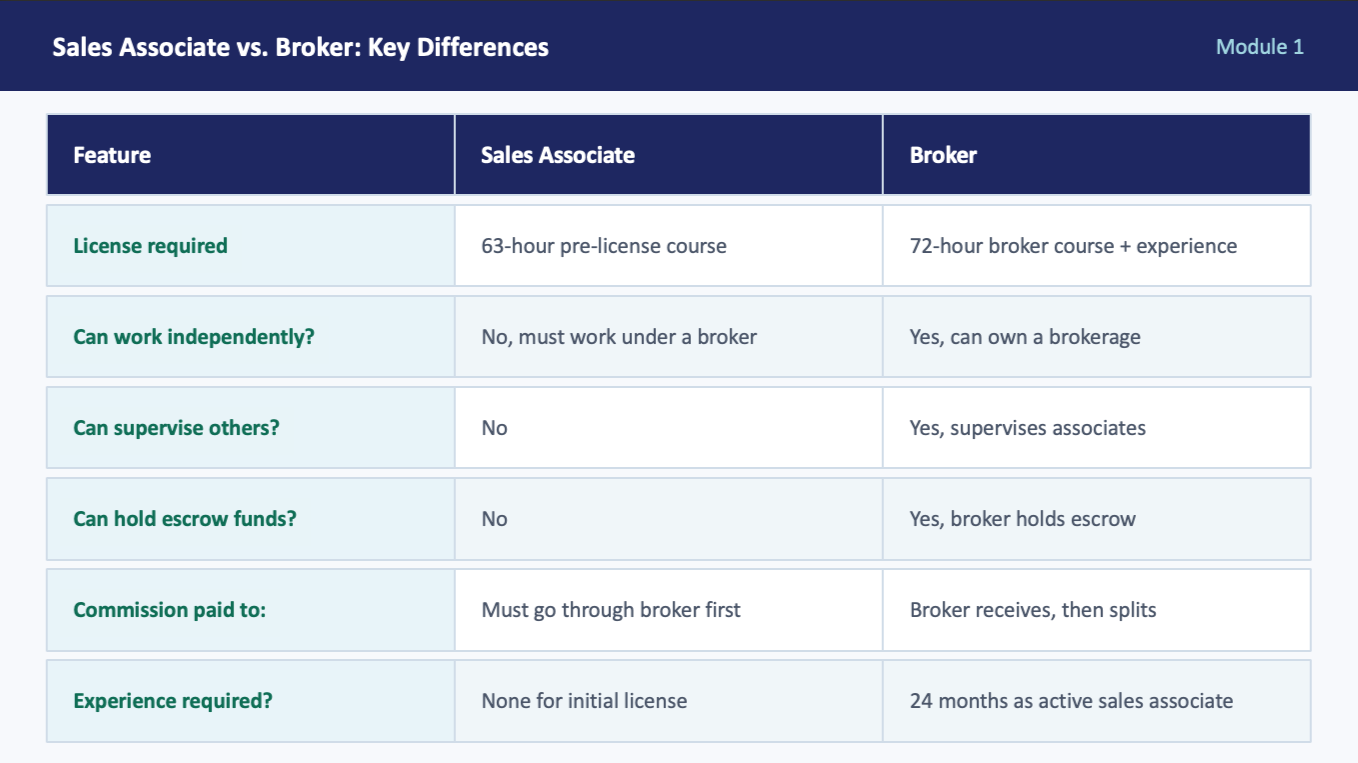
Mapped FREC requirements into a logical learning sequence. Each module included scenario-based application (ownership disputes, zoning conflicts), structured assessments with 15-question quizzes and an 80% pass threshold, and engagement elements like "Cafecito Chat" icebreakers.
The outcome
Complete 11-module curriculum delivered in 14 days. Deliverables: 11 presentations, 11 quizzes with answer keys, comprehensive review module, and practice final exam. Slice Realty now has a repeatable onboarding program where none existed.
Tools: PowerPoint · Word · FREC content framework
Additional Articulate Demos
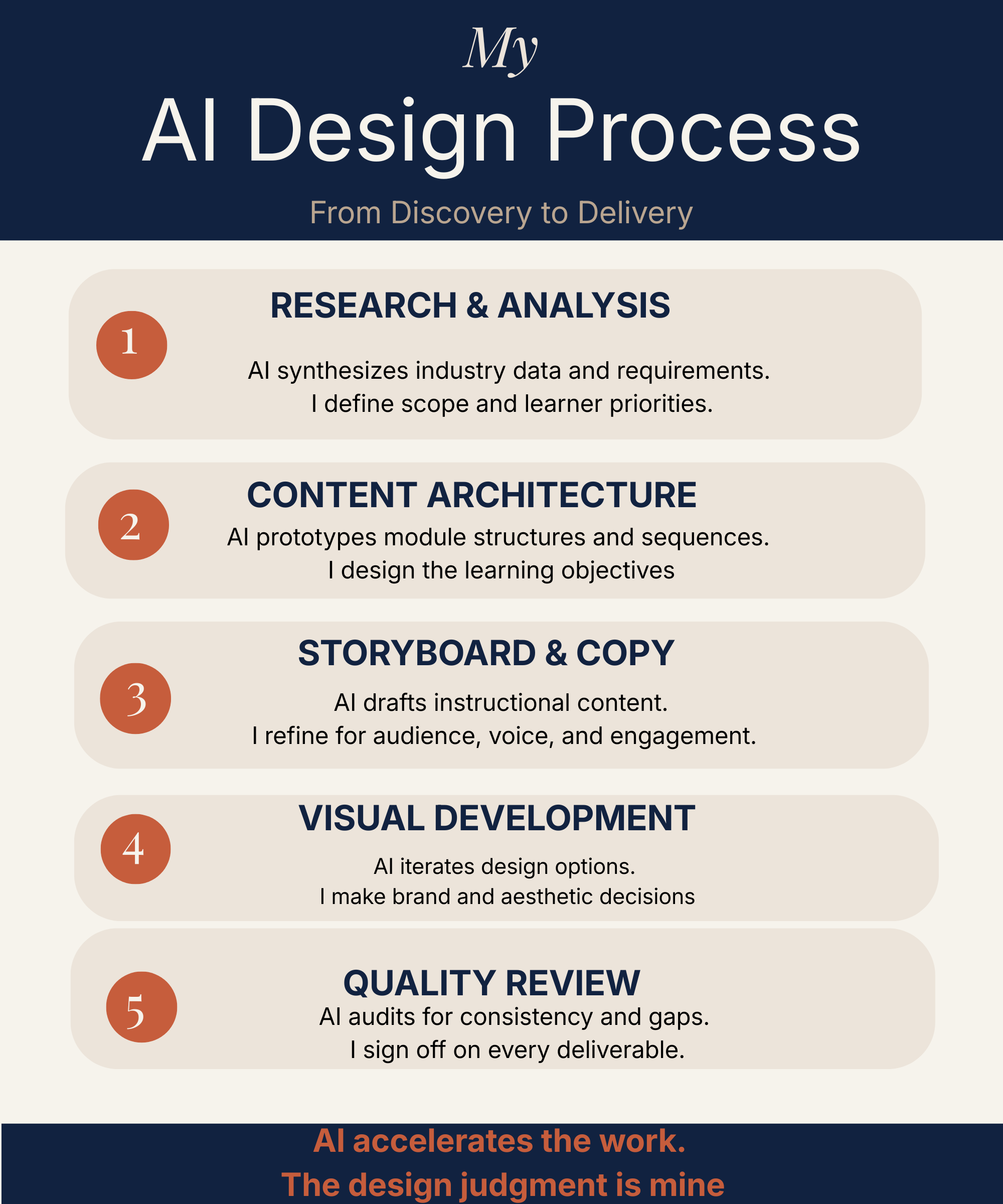
I use generative AI throughout my design workflow, from research synthesis and curriculum mapping to storyboard drafting, copy iteration, and asset development. For a recent 11-module pre-licensing curriculum, I used Claude to map regulatory requirements into a learner-centered sequence, draft scenario-based exercises, and develop the assessment framework. I also used AI to build my complete brand identity and professional website. AI accelerates the work; the instructional design judgment is mine.
How I use AI in my design process
1. Research and needs analysis
I use AI to synthesize industry data, regulatory requirements, and audience context. For the Slice Realty FREC project, I used Claude to map Florida real estate commission content requirements into a learner-centered sequence, reordering regulatory material so foundational concepts built on each other rather than following the administrative outline.
2. Content architecture and storyboarding
AI helps me prototype module structures, define learning objectives, and test the logical flow of a curriculum before I start building. I draft outlines collaboratively with AI, then pressure-test them: Does the sequencing make sense? Are there gaps? Does the assessment strategy align with the objectives?
3. Copy development and iteration
I use AI to draft, refine, and tighten instructional content from case study narratives to scenario descriptions to facilitation guides. The AI generates a first pass; I bring the instructional design judgment to shape it for the audience. For the Slice Realty portfolio entry, I used Claude to write the full case study narrative, and we iterated through multiple versions until the framing highlighted the right instructional design decisions.
4. Visual and brand asset development
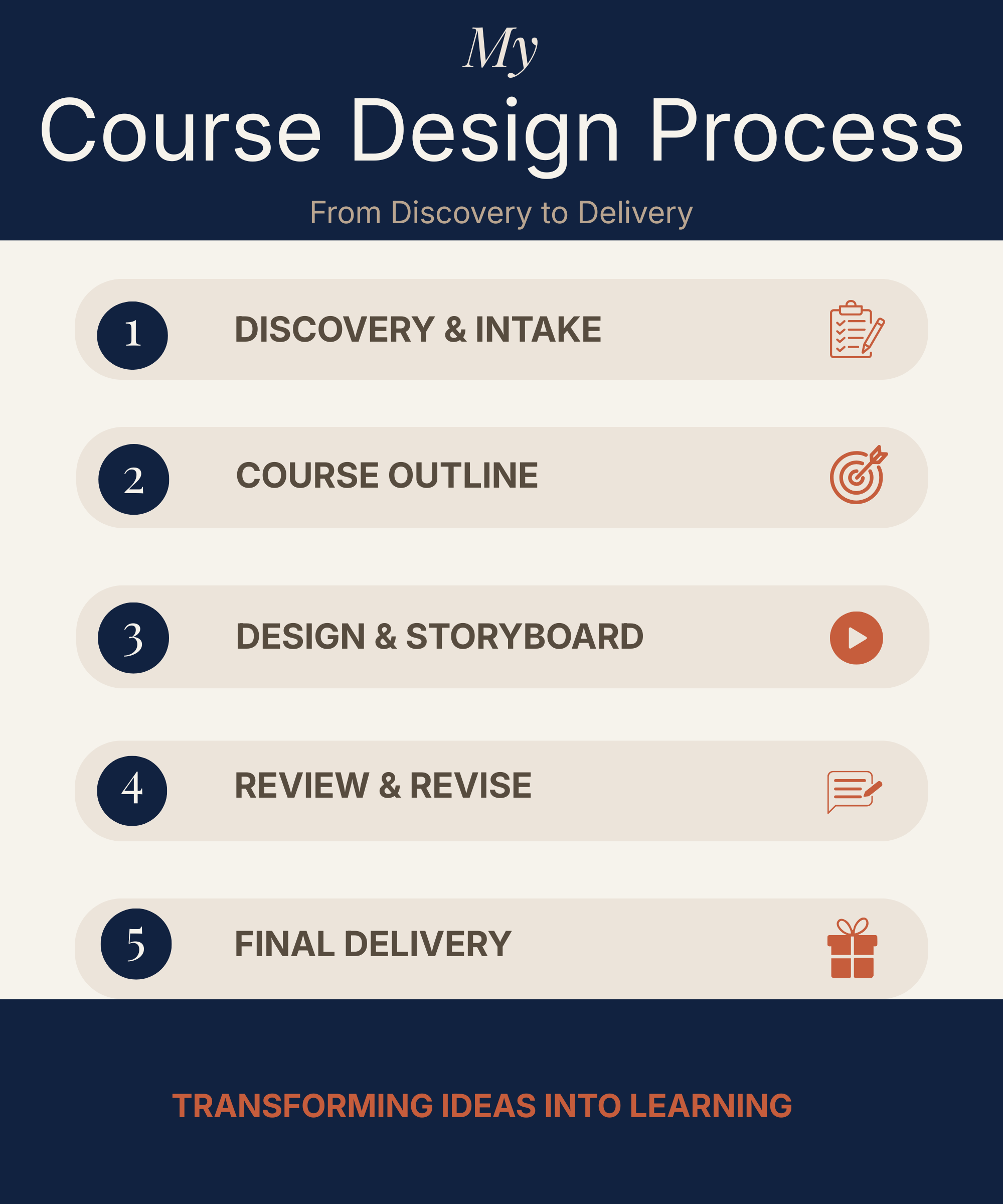
AI informs my design decisions for brand systems, marketing materials, and course visuals. I developed my full brand identity color palette, typography pairing, and four branded marketing graphics using an AI-guided iterative process in Canva, testing combinations and refining based on design principles and audience fit.
5. Quality review and refinement
I use AI as an editorial partner to audit my own work: checking for consistency, identifying gaps in content coverage, and stress-testing whether the training would actually work for the target learner. Every module, quiz, and deliverable gets reviewed through this lens before delivery.
AI tools: Claude (Anthropic) · Canva AI · ChatGPT Design tools: Canva · Articulate Rise/Storyline · PowerPoint · Word Platforms: Squarespace · Metricool · Asana